
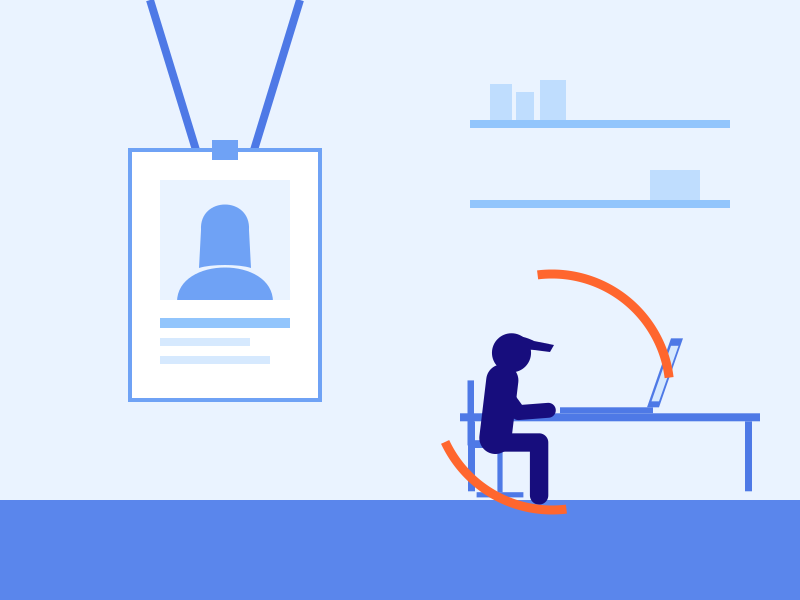
- 08:58 Authenticated. Credentials valid.
- 08:58 The person at the keyboard is not.
Confirm the correct person is accessing your systems and data, continuously
Whether through negligence or carelessness, shared access hides attack vectors and malicious activity in plain sight.
How Mimoto catches it
Mimoto combines advanced pattern matching with anomaly detection to recognize each specific person and respond to malicious activity.
Analyze
Measures how each person interacts, never what they type.
Verify
Confirms the person in the session matches the person who owns the account.
Enforce
Responds to a mismatch in real time: alerts your team, and re-verifies, restricts, or ends the session, your policy enforced automatically.
Frequently asked questions
How can I ensure only sanctioned users are using a credential or access method?
Your authentication process may consider the user’s contextual situation, the device they are accessing, their credential, and biometrics. Mimoto continuously verifies that the person who has gained access, through your authentication process or otherwise, is the sanctioned user.
Can I utilize Mimoto for contractor or offshore developer access?
Mimoto is often used to ensure the person using your contractor’s access is actually who you hired to do the work. Mimoto’s flexible deployment method means it can be deployed in multiple locations, but it doesn’t need to be everywhere. For a contractor or offshore developer, you may decide to deploy Mimoto embedded into web applications, on servers, in VMs, in containers, or on laptops. Your situation and contractor agreements will dictate how many places you choose to deploy Mimoto.
Does Mimoto require installation on a laptop?
While Mimoto can be deployed in multiple locations, it doesn’t need to be everywhere. It is your choice.
See where the gap sits in your environment
Want to see Mimoto catch the wrong person in a live session? We will set up a time.